
You are on a roof, under a sink, or halfway through a panel upgrade when the phone rings. You cannot pick up. By the time you call back an hour later, the homeowner has already booked someone else. Most contractors do not lose that job because of price or quality. They lose it because nobody answered.
Missed-call text-back is the simplest fix for that problem. This guide explains how it works, what the text should say for each trade, what to set up before you turn it on, and what should happen after the homeowner replies.
Quick answer: Missed-call text-back is an automation that sends a text message to a caller within seconds of a call your business did not answer. The text lets the caller know you saw the call, asks what they need, and keeps the conversation going by text until someone on your team can take over. For contractors, it turns an unanswered call into an open conversation instead of a lost lead.
How missed-call text-back works
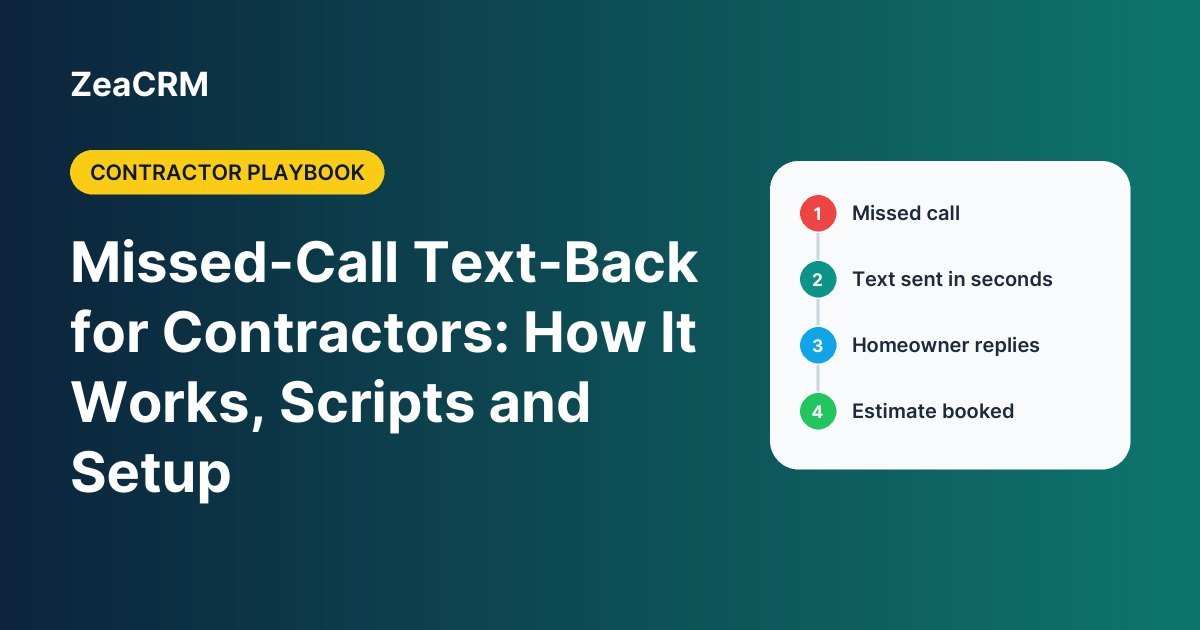
The mechanics are straightforward:
- A homeowner calls your business number.
- Nobody answers, or the line is busy, and the call ends.
- Your phone system or CRM detects the missed call and sends a text from your business number, usually within a few seconds.
- The homeowner replies by text with what they need.
- The reply lands in a shared inbox, a contact record is created, and your team is notified.
- Someone calls back or books the visit, with the conversation history already in front of them.
The value is not the text itself. It is that the homeowner now has a reason to wait for you instead of dialing the next company on the list.
Why it matters more for trade businesses
An office-based business can staff a front desk. A contractor’s best people are on job sites with their hands full. That creates three situations where calls go unanswered:
- During jobs. The owner or lead tech is the one who answers the phone and the one doing the work.
- After hours. Burst pipes, no-heat calls and storm damage do not keep business hours.
- During demand spikes. A hailstorm, the first cold snap or the first hot week of summer can bring more calls in a day than a small office can answer.
A voicemail greeting asks the caller to do more work. A text meets them where they already are and takes ten seconds to answer.
Missed-call text scripts by trade
A good missed-call text does four things: names your business, acknowledges the call, asks one easy question, and tells the caller how to opt out. Keep it short and keep it about the call they just made.
Roofing
“Hi, this is [Company] Roofing. Sorry we missed your call. Are you calling about a leak, storm damage, or a quote for a new roof? Reply here and we will get right back to you. Reply STOP to opt out.”
Plumbing and HVAC
“This is [Company]. We missed your call and want to help. Is this an emergency (no heat, no AC, or active leak)? Reply YES and we will call you right away, or tell us what you need. Reply STOP to opt out.”
General contractors
“Hi, this is [Name] with [Company]. Sorry I missed you, I am on a job site. What kind of project are you planning, and what is the best time to call you back today? Reply STOP to opt out.”
Smart home installation
“Thanks for calling [Company]. We are with a client right now. Are you looking for a new install, an upgrade, or support with an existing system? Reply here and we will follow up shortly. Reply STOP to opt out.”
Landscaping
“Hi, this is [Company] Landscaping. Sorry we missed your call. Are you looking for regular maintenance, a one-time cleanup, or a design project? Reply with your address and we will get you on the schedule. Reply STOP to opt out.”
After-hours version
“You have reached [Company] after hours. If this is an emergency, reply EMERGENCY and our on-call tech will call you. Otherwise, tell us what you need and we will reach out first thing in the morning. Reply STOP to opt out.”
What to set up before you turn it on
1. Register your business texting
In the United States, businesses that send texts from standard 10-digit local numbers are expected to register their brand and messaging use case with the mobile carriers. This is known as A2P 10DLC registration, and it runs through The Campaign Registry, which describes itself as the backbone of the 10DLC messaging ecosystem. Your CRM or phone provider normally handles the submission for you. Unregistered traffic is more likely to be filtered, which means your text-back may never reach the caller.
2. Keep the message about the call
Texting rules in the US come from the Telephone Consumer Protection Act (TCPA) and carrier guidelines. A reply to someone who just called you is generally treated very differently from a promotional blast, but that only holds if the text stays informational and tied to the reason they called. Do not use the missed-call text to push discounts, and do not add the caller to a marketing list unless they have agreed to that separately. Identify your business in every message, include opt-out instructions, and honor opt-outs immediately. This is general information and not legal advice. If you plan to text at volume, review your setup with an attorney.
3. Decide which calls trigger the text
You do not want to text your supplier, your crew or a known spam number. Most systems let you exclude saved contacts or internal numbers, limit the automation to new and unknown callers, and set a delay so the text does not fire if you call back within a minute.
4. Decide who owns the replies
The text-back only works if a human responds when the homeowner writes back. Route replies to one shared inbox, turn on mobile notifications for whoever is on call, and agree on a response-time target for your team.
What should happen after the homeowner replies
The text opens the door. The follow-through is what books the job:
| Stage | What happens | Why it matters |
|---|---|---|
| Capture | A contact and a new lead are created automatically from the missed call | No lead lives only in someone’s call log |
| Qualify | A short text exchange or voice AI collects job type, address and urgency | Your callback starts with the facts, not from zero |
| Schedule | The caller is offered an estimate or service window | The homeowner stops shopping once a time is set |
| Follow up | If they go quiet, an SMS and email sequence checks in over the next few days | Slow decisions do not become lost jobs |
| Close | Proposal with e-signature, then invoice and payment | Fewer steps between “yes” and a deposit |
| Review | A review request goes out after the job is complete | Each finished job helps bring in the next call |
This is the difference between a standalone text-back app and one that is part of your CRM. In ZeaCRM, missed-call automation feeds the same pipeline your estimates, proposals, invoices and review requests run on, and it ships inside the pre-built automation bundles for each trade.
Common mistakes
- A text that sounds like a robot. “Your call is important to us” reads like hold music. Write the way you would text a neighbor.
- Asking too much. One question gets a reply. Five questions get ignored.
- No one watching the inbox. An instant text followed by three hours of silence is worse than a missed call.
- Selling in the first message. It puts callers off and it creates compliance risk.
- Using a personal cell number. Texts should come from the business line so the whole team can see and continue the conversation.
- Forgetting seasonal updates. Change the script before storm season, the first freeze or spring cleanup so the question matches what callers actually need.
How to tell if it is working
Track four numbers each month in your own account. They will tell you more than any industry average:
- Missed calls: how many calls went unanswered.
- Reply rate: what share of those callers answered the text.
- Booked jobs: how many text conversations turned into an estimate or service call.
- Time to human response: how long it took your team to reply after the homeowner wrote back.
If the reply rate is low, rewrite the script. If replies are high but bookings are low, the gap is in the handoff to your team.
Frequently asked questions
What is missed-call text-back?
It is an automation that sends a text message to a caller right after your business misses their call. The message acknowledges the call and invites the caller to reply by text so the conversation continues.
How fast should the text go out?
Within seconds of the missed call. The goal is to reach the homeowner before they dial another contractor. A short built-in delay is fine if you want to avoid texting people you call back immediately.
Is it legal to text someone who called my business?
A short, informational reply about the call they just made is generally lower risk than marketing texts, which need clearer consent. Identify your business, include opt-out instructions, keep promotions out of the message, and register your texting with the carriers. Rules vary, so confirm your setup with an attorney.
Do I need a new phone number?
Not always. Many systems can work with your existing business number through porting or call forwarding. What matters is that the number can send and receive texts and is registered for business messaging.
Does it replace an answering service or voice AI?
It complements them. Text-back covers callers who hang up without leaving a message. Voice AI or an answering service handles callers who prefer to talk. Many contractors use both so every call gets some kind of response.
Which trades benefit the most?
Any trade where the person who answers the phone is also doing the work. Roofing, plumbing, HVAC, general contracting, smart home installation and landscaping all fit, especially during emergency calls and seasonal peaks.
Stop letting unanswered calls go to the next contractor
You will never be able to answer every call from a job site, and you should not have to. A clear text within seconds, a real person on the other end of the reply, and a follow-up process that runs on its own can recover jobs that would otherwise go to whoever picked up first.
Want to see missed-call text-back set up for your trade, with the scripts and follow-ups already built? Book a Free Demo and we will walk you through it. Explore the setup for roofing, plumbing and HVAC, general contractors, smart home installation and landscaping.