
The homeowner walks the job with your lead carpenter and says, “While you’re in there, can you move that outlet and add a pantry shelf?” Your carpenter says sure. Three weeks later, the final invoice has a line the homeowner never agreed to, and now you’re arguing about money instead of collecting it.
Most change-order fights don’t start with bad clients. They start with a verbal yes that nobody wrote down. This guide shows general contractors how to run a simple change order process that gets every change priced, approved and signed before the work happens, with text and email templates you can use on your next job.
What is a change order?
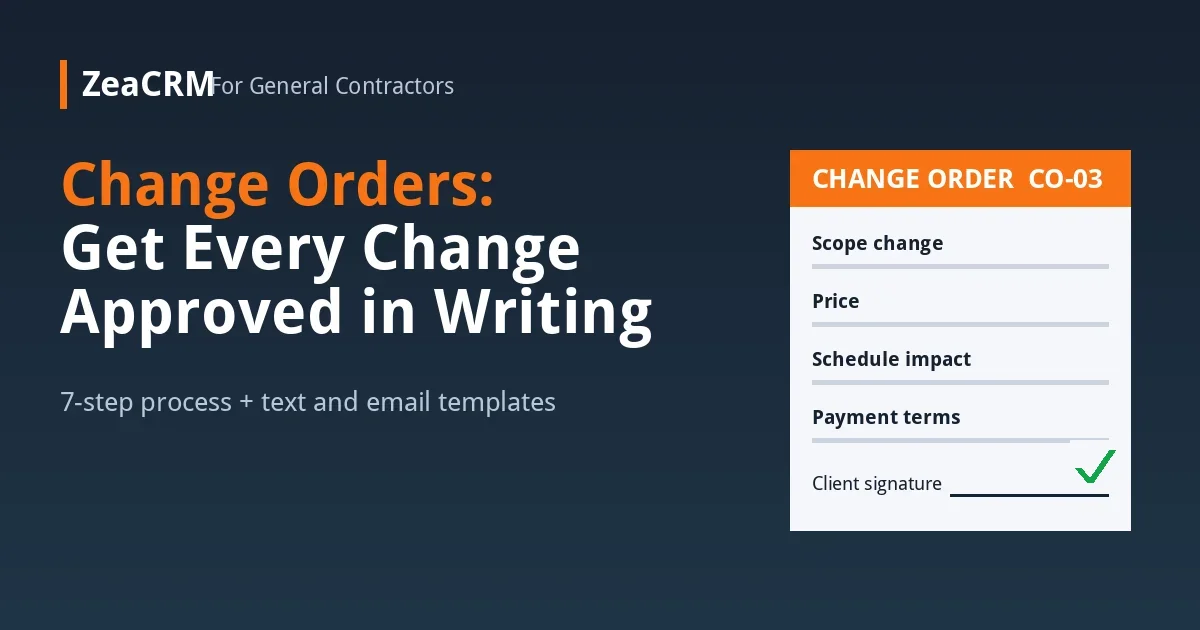
A change order is a written document that changes the original contract’s scope, price or schedule, signed by both the contractor and the client before the extra work starts. It records what is changing, why, what it costs and how it affects the completion date. The original contract stays in force; the change order adds to it.
Why verbal changes cost contractors money
- Payment disputes. Without a signature, it’s your memory against the client’s when the invoice arrives.
- Scope creep. Small “while you’re here” favors add up to days of unpaid labor and materials.
- Schedule slips. Extra work pushes back the finish date, and the client still expects the original one.
- Crew confusion. When changes live in someone’s head, the office, the crew and the subs work from different versions of the job.
- Weaker legal position. In many states, home-improvement contracts and changes to them are expected to be in writing. Rules vary, so check your state’s requirements with your licensing board or an attorney.
What to include in every change order
| Item | What to write |
|---|---|
| Project and contract reference | Client name, job address, original contract date and number |
| Change order number | CO-01, CO-02 and so on, so changes are easy to track and total |
| Description of the change | Exactly what will be added, removed or substituted, in plain words |
| Reason | Client request, hidden condition found, design change or code requirement |
| Price | Labor, materials, subcontractor costs and markup, or a credit if work is removed |
| Schedule impact | How many days the change adds to the completion date, even if it’s zero |
| Payment terms | Whether the change is due now, at the next draw or on the final invoice |
| Signatures and dates | Client and contractor, signed before the work starts |
A 7-step change order process for general contractors
- Set the rule in the original contract. State that any change to scope, price or schedule needs a signed change order, and explain how changes are priced (fixed price or cost plus markup).
- Stop and log every request. When a client asks for a change on site, your crew doesn’t say yes or no. They say, “Great, I’ll get that priced for you,” and send the request to the office the same day.
- Price it fast. Aim to send the change order within one to two business days. A slow price holds up the job and tempts the crew to “just do it.”
- Send it for e-signature. Email or text a link the client can review and sign from their phone. Paper forms in a truck get lost.
- Don’t start until it’s signed. The only exception is urgent work to make the site safe or prevent damage. Document it with photos and a written note to the client the same day, then follow up with the change order.
- Update the schedule and the invoice. Add the change to the job schedule and to the next invoice or draw so it’s billed on time.
- Keep a change log. One list per job with every change order number, amount, status and signature date. At final billing, the client sees exactly how the price moved from the original contract.
Text and email templates for change orders
Same day: acknowledge the request (text)
Hi Sarah, it’s Mike from [Company]. Thanks for asking about the pantry shelf and moving the outlet. I’ll have a price and any schedule change to you by tomorrow afternoon. We’ll start that work as soon as you approve it.
Change order ready (email)
Subject: Change Order CO-03 for your kitchen remodel
Hi Sarah, here is Change Order CO-03 for the pantry shelf and outlet move. It adds $[amount] to the contract and one day to the schedule. You can review and sign it here: [link]. Once it’s signed, we’ll add it to Thursday’s work. Any questions, just reply or call me at [number].
Reminder if it’s not signed (text, next day)
Hi Sarah, just checking on CO-03 for the pantry shelf. We can fit it in Thursday if it’s signed by Wednesday at noon. Here’s the link again: [link].
Crew script for “Can you just do it while you’re here?”
“Happy to help with that. I’m not able to add work without the office pricing it first, so nobody gets a surprise on the bill. I’ll send it in now and you’ll have a price by tomorrow.”
How to price change orders without losing money
- Include all the time. Count the site visit, pricing, ordering, the work itself and any rework of finished areas.
- Add your markup. Change orders carry the same overhead as the base contract, and often more because they interrupt the schedule.
- Price credits honestly. When the client removes work, credit what you actually save, not the full line item, if materials are already bought.
- Show the schedule impact. A change that adds three days should say so in writing.
How a CRM keeps change orders under control
Change orders break down when requests sit in text threads, prices sit in someone’s notebook and signatures sit in the truck. A CRM puts them in one place:
- Proposals and e-signature let you send a change order the client can sign from their phone.
- Pipeline and approval tracking show which change orders are sent, viewed, signed or stuck.
- SMS and email follow-ups send the reminder automatically if a change order isn’t signed by the deadline.
- Invoices and payments make it easy to bill approved changes on the next invoice instead of at the end of the job.
ZeaCRM for general contractors tracks proposals and approvals across every project, from first inquiry to signed contract. You can see the ready-made workflows on the automation bundles page or check pricing. If estimates are where jobs stall for you, our guide on how to follow up on an estimate covers the step before the contract.
Common change order mistakes
- Letting the crew approve changes on site.
- Waiting until the final invoice to bring up extra work.
- Writing vague descriptions like “misc. electrical” that the client can’t check.
- Leaving out the schedule impact, then getting blamed for a late finish.
- Not numbering change orders, so nobody can tell which version is current.
Frequently asked questions
Does a change order need to be in writing?
It should be. A signed written change order is the clearest proof of what the client agreed to, and many states expect changes to home-improvement contracts to be in writing. Check your state’s rules for the exact requirements.
Who signs a change order?
The client and the contractor both sign it. On some projects, an architect, lender or property manager may also need to approve changes, so check the original contract.
Can I start work before the change order is signed?
Avoid it. The safe exception is urgent work to protect the site or prevent damage, and even then you should document it in writing and with photos the same day.
How fast should I send a change order?
Aim for one to two business days after the request. Fast pricing keeps the job moving and stops crews from doing unapproved work.
What is the difference between a change order and a new estimate?
An estimate prices a new job. A change order changes an existing signed contract and refers back to it, so the full contract price and schedule stay clear.
Can a client sign a change order on their phone?
Yes. Sending the change order with an e-signature link lets clients review and sign from their phone, which usually gets approvals back faster than paper forms.
Get every change signed before the work starts
A clear change order process protects your margin, your schedule and your relationship with the client. ZeaCRM brings proposals, e-signatures, follow-ups and invoices together so approved changes get billed and unapproved ones don’t get built. Book a Free Demo to see how it works for your projects.