
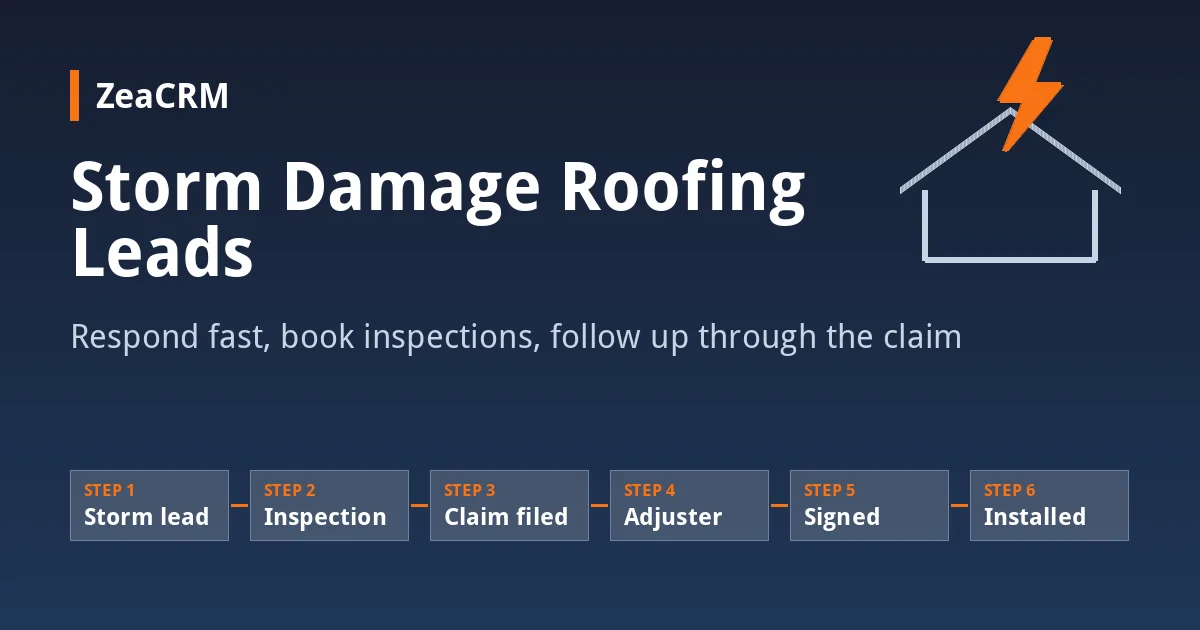
A hailstorm rolls through on Tuesday afternoon. By Wednesday morning your phone has 40 missed calls, your inbox has 25 web forms, and three other roofing companies are already knocking on doors in the same neighborhood. The homeowners who called you first will not wait long. Whoever responds first, books the inspection and keeps them informed through the insurance process usually gets the job.
This guide walks through a practical storm lead workflow for roofing contractors: how to respond in the first hour, how to book and run inspections when demand spikes, how to follow up while the homeowner waits on the insurance claim, and the text scripts to use at each step. It also covers the legal lines you should not cross when insurance is involved.
The short answer: what to do with storm damage leads
Respond to every storm lead within minutes, even if it is an automated text, and offer a specific inspection time. Qualify the lead with three or four questions, book the inspection, document the damage with photos, and then follow up on a set schedule while the homeowner files and waits on the claim. Track every lead in a pipeline with stages that match the insurance process so no job goes quiet between the adjuster visit and the signed contract.
Why storm leads are different from regular roofing leads
- Volume arrives all at once. A normal week’s worth of calls can come in on a single day, while your crew and office are already busy.
- Homeowners call several companies. After a storm, many homeowners contact more than one roofer and go with whoever responds and shows up first.
- The sales cycle depends on a third party. When insurance is involved, the homeowner’s decision often waits on the adjuster inspection and the claim outcome, which can take weeks.
- Trust is lower. Storm-chasing contractors make homeowners cautious. Clear communication and a local presence matter more than usual.
Step 1: Respond in the first hour
Speed matters most in the first contact. If your office cannot answer every call, set up missed-call text-back so every caller gets a text within moments, and an instant reply to every web form.
Missed-call text-back script:
Hi, this is [Name] with [Company]. Sorry we missed your call. We’re helping a lot of homeowners after yesterday’s storm. Are you calling about roof damage? Reply YES and we’ll get you on the inspection schedule.
Web form instant reply:
Thanks for reaching out to [Company], [First Name]. We got your request about storm damage at [Address]. We have inspection openings on [Day] at [Time] or [Day] at [Time]. Which works better?
Offering two specific times works better than asking “When are you available?” because it gives the homeowner an easy decision.
Step 2: Qualify quickly without slowing down
During a surge you need to know which leads to visit first. Ask a short set of questions by text, phone or voice AI:
- What is the property address?
- Do you see any active leaks or water inside the home?
- Have you noticed visible damage, such as missing shingles or dented gutters?
- Have you already contacted your insurance company?
Active leaks go to the top of the schedule. Use the answers to group inspections by neighborhood so your inspectors spend more time on roofs and less time driving.
Step 3: Book and run the inspection
Confirm every inspection by text and send a reminder the day before and an hour before arrival. Storm weeks bring more no-shows and reschedules, and a quick reminder cuts down on wasted trips.
Reminder script:
Hi [First Name], a reminder that [Inspector Name] from [Company] will be at [Address] tomorrow between [Time window] for your roof inspection. Reply C to confirm or R to reschedule.
At the inspection, photograph the damage thoroughly and explain what you found in plain language. Send the homeowner a short summary the same day. If a repair or replacement is needed, a field estimate sent before you leave the property keeps the momentum going.
Step 4: Know the legal lines around insurance claims
Homeowners will often ask you to “handle the insurance.” Be careful. Rules vary by state, and several states restrict what contractors can do. In Texas, for example, the Texas Department of Insurance explains that a roofer cannot act as a public adjuster on a claim for work they are also doing, cannot advertise that they will negotiate a claim, and cannot offer to waive, rebate or absorb the homeowner’s deductible (Texas Department of Insurance). Other states, including Colorado and Oklahoma, have their own rules on deductibles and roofing contracts.
What you can usually do is document the damage, give the homeowner your inspection findings and estimate, and be available if the adjuster wants to see the roof. Check your own state’s rules, and talk to an attorney if you are unsure what your contracts and marketing can say.
Step 5: Follow up while the claim is in progress
This is where most storm jobs are lost. The homeowner files a claim, waits for the adjuster, and in the meantime hears from five other roofers. A planned follow-up schedule keeps you in the picture without being pushy.
| When | Channel | Purpose |
|---|---|---|
| Same day as inspection | Text + email | Send inspection summary and photos |
| Day 3 | Text | Ask whether they have filed a claim or have an adjuster date |
| Day before adjuster visit | Text | Offer to be available if the adjuster wants to see the roof (where your state allows) |
| 2 days after adjuster visit | Phone call | Ask how it went and what the next step is |
| Weekly until decision | Text or email | Short check-in, answer questions, confirm scheduling availability |
Day 3 script:
Hi [First Name], it’s [Name] from [Company]. Just checking in after your roof inspection. Have you been able to file a claim or get an adjuster date yet? Happy to answer any questions about what we found.
After the adjuster visit:
Hi [First Name], hope the adjuster visit went smoothly. Once you hear back, send it over and we’ll walk you through the next steps and get you on the install schedule.
If you are following up on an estimate that does not involve insurance, our 14-day estimate follow-up sequence covers that process.
Step 6: Track every storm job in a pipeline
A generic “lead, quoted, won” pipeline does not show you where insurance jobs are getting stuck. Use stages that match how storm work actually moves:
- New storm lead
- Inspection scheduled
- Inspection complete
- Claim filed / waiting on adjuster
- Claim decision received
- Contract signed
- Install scheduled
- Job complete
With these stages, you can see at a glance how many jobs are waiting on adjusters, which homeowners have not been contacted in a week, and how much work is likely to land on the install calendar next month.
Step 7: Finish strong after the install
Once the roof is done, send a completion message with any warranty details and invoice, and ask every customer for an honest review. A strong set of recent reviews from your area helps the next round of storm leads choose you over an out-of-town crew.
Common storm-season mistakes
- Letting voicemail pile up. By the time someone listens to 40 messages, many of those homeowners have booked someone else.
- Making promises about the claim. Avoid telling homeowners their claim will be approved or that you can get them a bigger payout.
- Dropping follow-up after the inspection. The weeks between inspection and claim decision are when competitors move in.
- Losing track of leads across phones and notebooks. During a surge, leads get split across the owner’s phone, the office line and the sales team. One shared list prevents duplicates and gaps.
- Taking on more than your crew can handle. Overbooking leads to delays and bad reviews. Give honest install timelines.
How ZeaCRM helps roofers handle storm surges
ZeaCRM for roofing contractors is built around this workflow:
- Missed-call text-back and instant lead response so every caller and web form gets a reply within minutes.
- Voice AI and conversation AI to answer common questions and qualify leads when your office is overloaded.
- Inspection scheduling with SMS and email reminders to reduce no-shows.
- Insurance job tracking in the pipeline, including claims, supplements and adjuster meetings.
- Field estimates and proposals with e-signature, plus invoices and payments once the job is done.
- Review requests sent automatically after completion.
The pre-built automation bundles come set up for roofing workflows like missed-call recovery, estimate follow-up and pipeline management, so you are not building sequences from scratch the week after a storm.
Frequently asked questions
How fast should a roofer respond to a storm damage lead?
As fast as possible, ideally within minutes. Homeowners often contact several roofers after a storm and book with the first company that responds with a clear next step. An automated text reply buys you time until someone can call.
Can a roofing contractor negotiate an insurance claim for the homeowner?
In many states, no. Texas, for example, prohibits a contractor from acting as a public adjuster on a claim for work they are also performing. Rules vary by state, so check your state’s insurance department guidance and talk to an attorney if you are unsure.
Can a roofer waive or pay the homeowner’s deductible?
Several states, including Texas, prohibit contractors from offering to waive, rebate or absorb a deductible. Do not advertise or offer this, and check the laws in each state where you work.
How often should I follow up while a homeowner waits on their claim?
A check-in a few days after the inspection, another around the adjuster visit, and then roughly weekly until a decision is reached works for most contractors. Keep messages short and helpful.
What pipeline stages should a roofing company use for insurance jobs?
Stages such as new lead, inspection scheduled, inspection complete, claim filed or waiting on adjuster, claim decision received, contract signed, install scheduled and job complete show where each job stands and where jobs tend to stall.
How do I handle a sudden spike in roofing leads after a hailstorm?
Automate first responses, qualify leads with a few short questions, prioritize active leaks, group inspections by neighborhood and track everything in one shared pipeline so nothing slips while your team is stretched.
Be the roofer who calls back first
Storms bring a burst of opportunity, but only for the contractors who can respond fast and stay in touch through a slow insurance process. Set up your first-response texts, inspection reminders and claim-stage follow-ups before the next storm, not during it.
Want to see how this storm workflow runs in ZeaCRM? Book a Free Demo.